
Your home and building information
Open your name or profile picture in the account menu, then choose My Home. On a phone, you can also use the My Home shortcut in the bottom navigation.
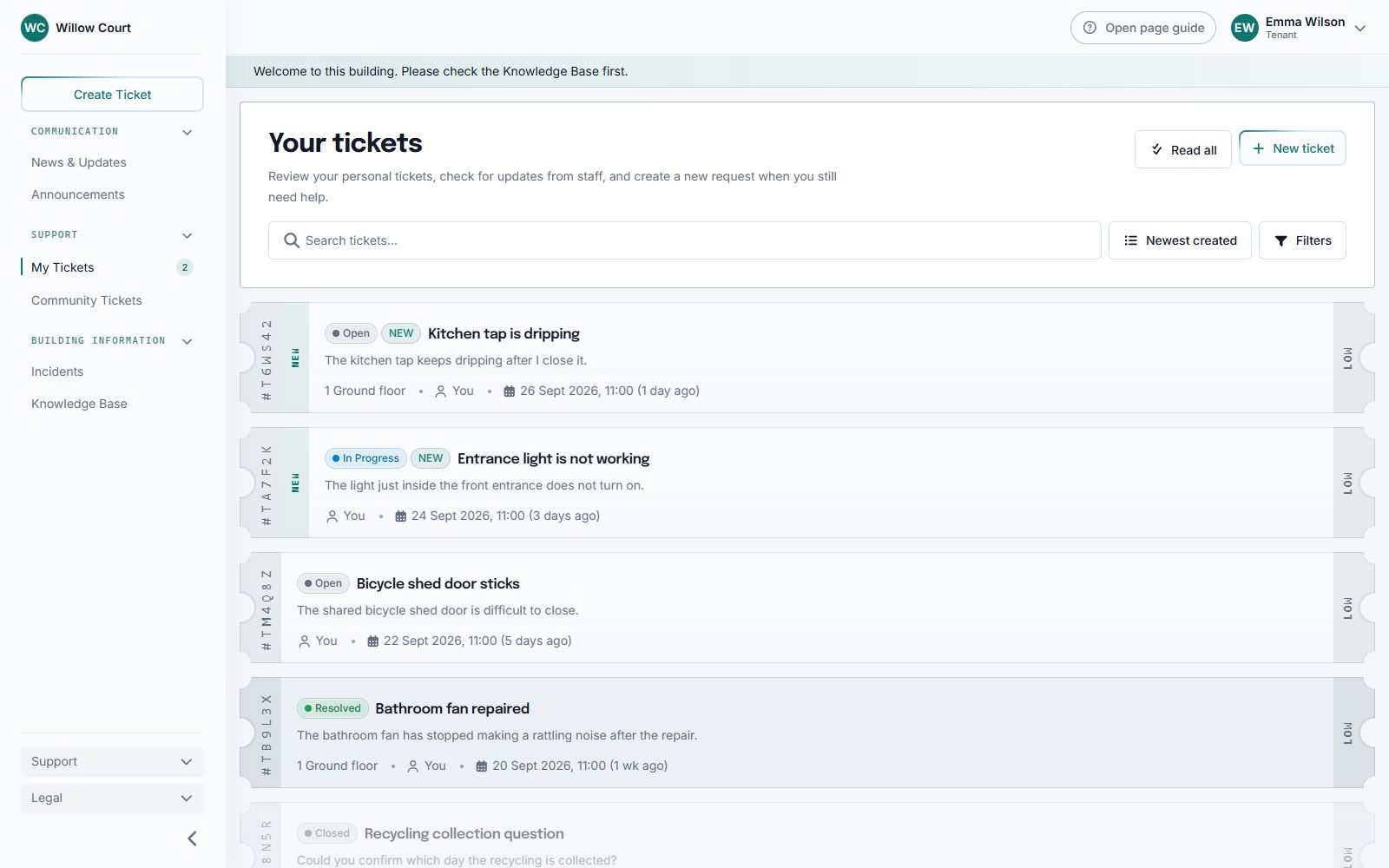
Select the image to enlarge it.
What is shown here?
Section titled “What is shown here?”Your building, registered address, home number and optional label, and the contacts or links your organization has made available. Use Tickets, Incidents, Announcements, and News & Updates for their full lists.
A home can be an apartment, flat, house, or room. Couples and housemates can share the same home in Sicket without sharing their accounts or personal tickets.
Correct your home
Section titled “Correct your home”- Open My Home.
- Choose Request correction beside Your home.
- Enter the correct home information and select Request change.
- Wait for staff to approve it.
Your current access stays unchanged while staff review the request. You cannot rename a shared home directly. If the building itself or its address is wrong, contact building staff.
Map and privacy
Section titled “Map and privacy”An embedded map is optional. You can manage Google Maps consent in Settings > Profile; the text address remains available without the map.
Sharing a home does not let another resident read your personal tickets or open your attachments. Avoid putting private details in community posts.
Moving out? Use Settings > Housing, not a home correction.