
Invite tenants
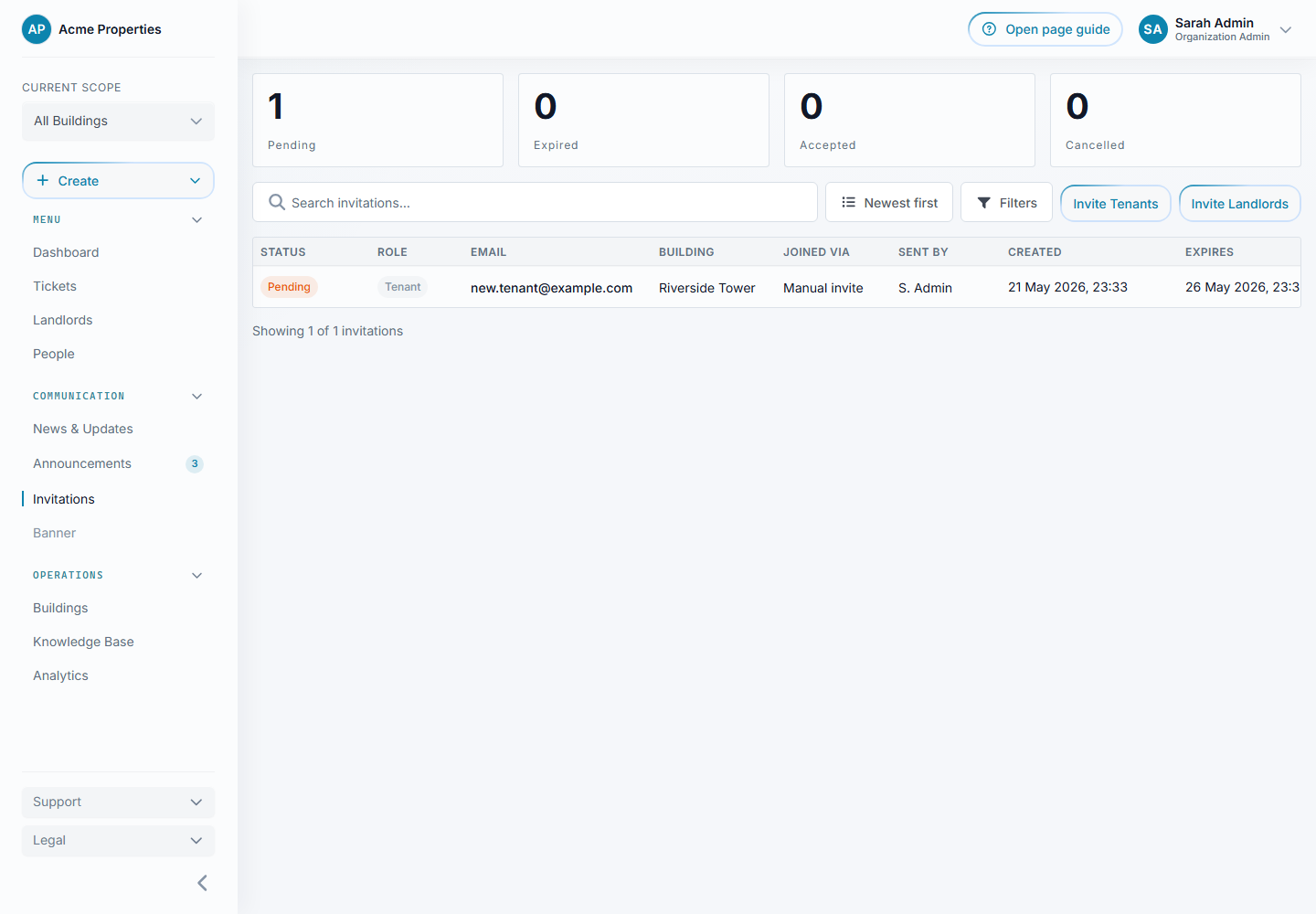
For organization admins and assigned landlords. Open Invitations > Invite Tenant, then choose one building.
Select the image to enlarge it.
Invite one resident
Section titled “Invite one resident”- Choose the individual invitation option.
- Enter the resident’s email address.
- Select their existing home, add a new home if it does not exist, or choose Resident enters their home.
- Review and send the invitation.
A resident who accepts the staff-selected home unchanged can continue without a separate home approval. If they choose This is not my home, their proposed correction waits for staff approval.
When the resident enters their own home, staff must approve it before they get building access.
Invite several residents
Section titled “Invite several residents”- Choose the bulk invitation option.
- Add the email addresses.
- Correct invalid addresses and remove duplicates flagged in the review.
- Send the invitations.
Each resident enters their home during setup. Bulk invitations require staff approval of the home, even though the email address was invited.
Use a building QR code
Section titled “Use a building QR code”- Open the QR option for the building.
- Enable QR access if needed.
- Share or print the building’s QR code.
- Residents scan it, enter their details, and verify their email.
- Review their pending requests before granting access.
You can turn QR access off without removing residents who already joined.
Couples, families, and housemates
Section titled “Couples, families, and housemates”Invite each person using their own email, but select the same existing home. A home is one physical residence, not one account.
A moved-out resident can be invited again using the same email. Their existing account and previous occupancy history are retained.
Check progress
Section titled “Check progress”The Invitations page shows pending, accepted, expired, and revoked invitations. Resend only when needed. An accepted invitation may still have a home request waiting for approval; check the requests section too.
If capacity is reached, check both available homes and the number of active residents or pending targeted invitations for that home. Adding another resident to an existing home does not use another home slot.